2024-03-18 • 3 min read
How to Use a Digital Japa Counter Effectively
Why Use a Digital Counter?
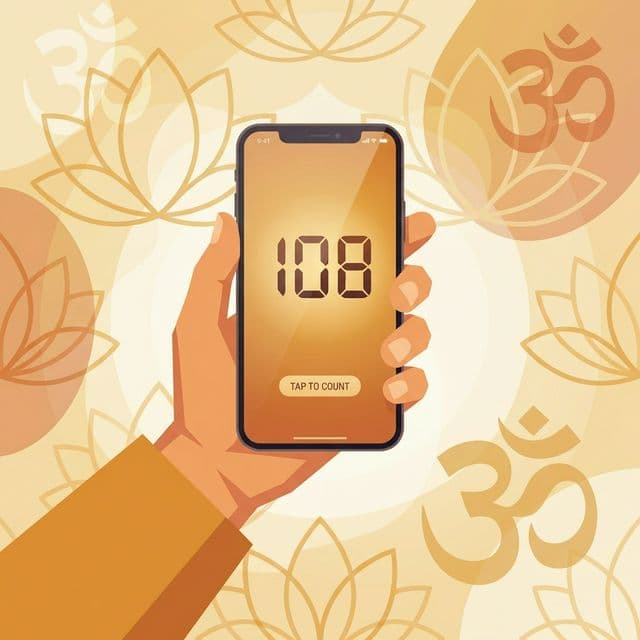
Traditionally, mala beads (prayer beads) are used to count mantras. However, in modern times, carrying a physical mala isn't always convenient. A digital Japa counter allows you to maintain your vow of chanting wherever you are—on the bus, at work, or while walking.
Step-by-Step Guide
- Set Your Intention: Before you begin, take a moment to calm your mind and set a spiritual intention for your session.
- Open the Counter: Navigate to RadhaNaamJap.co.in on your phone or computer.
- Set Your Target: By default, a "Mala" is 108 beads. You can adjust this in the settings if you have a different target.
- Chant and Tap: Chant your mantra (e.g., "Hare Krishna Hare Krishna...") and tap the screen once for each complete mantra.
- Track Your Malas: The counter will automatically track how many rounds (Malas) you have completed.
Tips for Success
- Use Haptic Feedback: Enable the vibration feature in our app. This allows you to count without looking at the screen, keeping your eyes closed for better focus.
- Consistency is Key: Try to chant at the same time every day. Morning (Brahma-muhurta) is considered the best time.
- Don't Obsess Over Numbers: While counting is helpful for discipline, remember that the quality of your chanting (concentration and devotion) is more important than the quantity.